Cyberlup Dev
Test execution
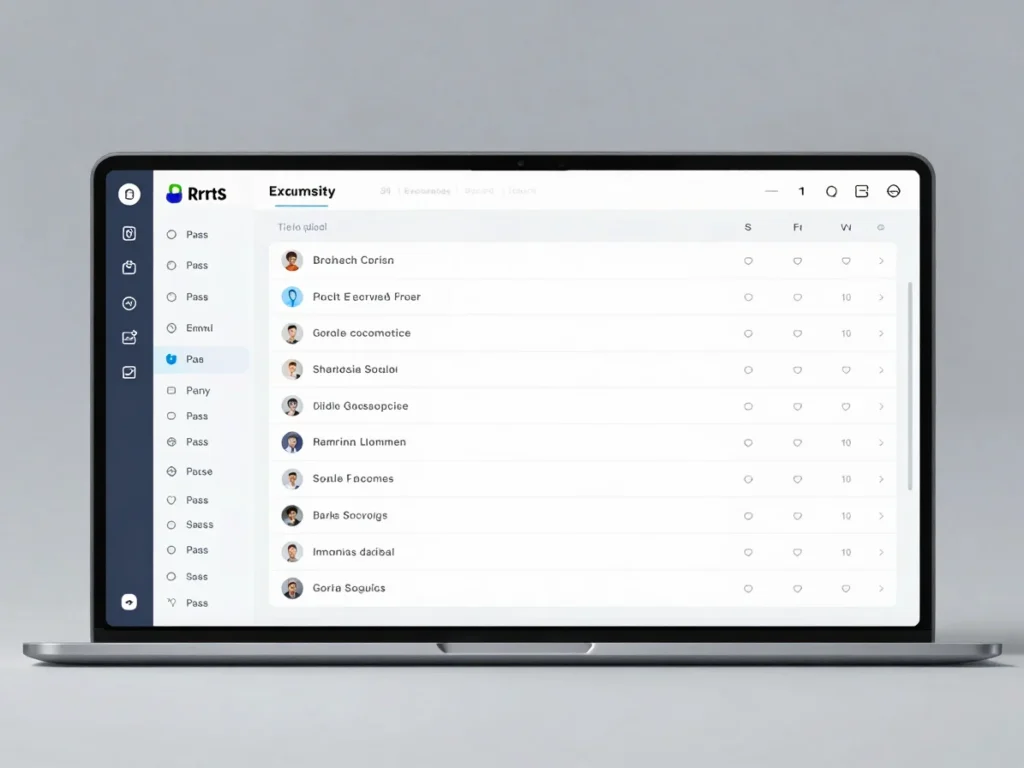
Each run is linked to an app version and an environment snapshot, so results always point back to exactly what was tested.
Run outcomes
Execution status
Each suite shows its pass, fail, block, and skip counts for the selected run, making it clear where attention is needed.
Error traces
Failed steps keep their error trace attached to the run, so a failure can be read in the context of the build and environment it came from.
Execution protocol
01
Choose the test suite and the app version to run against, pinned to a specific build.
02
Attach the environment snapshot so the run records the exact server and endpoint configuration.
03
Run tests manually or through automation, recording each outcome as pass, fail, block, or skip.
04
Review the chronological run log to confirm stability across revisions before moving on.